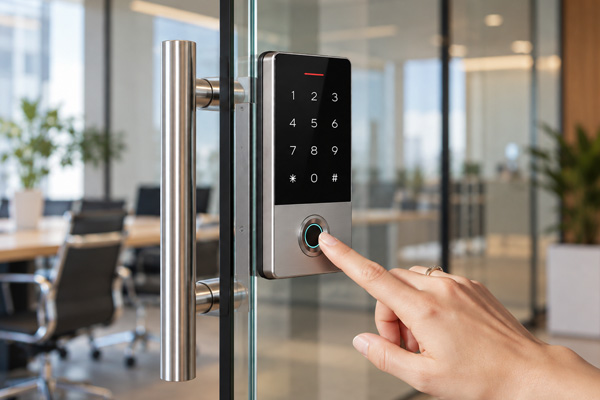
Managing keys across a commercial facility can become difficult when multiple employees, contractors, visitors, and maintenance teams need access to different areas. Traditional keys can be misplaced, copied, or difficult to track. When employees change roles or leave an organization, updating access permissions may also require replacing keys or changing locks.
Smart locks offer an alternative by allowing businesses to manage door access through digital credentials, PIN codes, access cards, or other authentication methods. When integrated into a suitable access control system, they can help businesses organise access permissions, reduce dependence on physical keys, and maintain better control over restricted areas.
Understanding how smart locks support key management can help facility managers choose a suitable security solution for their commercial properties.
Key management involves controlling who can access a building, room, or restricted area. In commercial properties, different people often require different levels of access.
For example, office employees may need access to their workspaces, while maintenance teams may require entry to equipment rooms. Managing these requirements with traditional keys can become complicated, particularly in large facilities with multiple entry points.
Electronic locking systems provide another way to manage access. Depending on the system, administrators can assign individual credentials, restrict access to selected areas, and revoke permissions when they are no longer needed.
1. Reduce Dependence on Physical Keys
Traditional key management requires businesses to distribute keys, maintain records, and collect them when access is no longer required. Lost or unreturned keys can create additional administrative work and potential security concerns.
Smart locks can reduce these challenges by supporting digital access methods such as PIN codes, fingerprints, and access cards. Instead of issuing physical keys to every authorised user, businesses can choose an access method that suits their operational requirements.
This can be particularly useful in offices, commercial buildings, and shared facilities where access requirements change regularly.
2. Simplify Access Permission Management
Not every employee needs access to every part of a commercial building. Server rooms, storage areas, and administrative offices may require different access permissions.
Compatible smart locks and access control systems allow administrators to assign access based on users’ responsibilities. For instance, a maintenance employee may receive permission to enter designated service areas without gaining access to restricted offices.
When an employee leaves the organisation or changes roles, administrators can revoke or update supported digital credentials. This can reduce the effort involved in collecting physical keys or changing locks.
3. Improve Access Tracking
Knowing who accessed a restricted area and when can help facility managers review security-related activity.
Some smart locks and connected access control systems maintain electronic access logs. Depending on the model, these records may include successful entries, denied access attempts, and timestamps.
These records can help administrators review access activity after an incident or investigate unexpected entry attempts. However, not every smart lock includes detailed logging, so businesses should confirm this feature before purchasing a system.
4. Make Temporary Access Easier
Commercial facilities regularly need to provide temporary access to contractors, cleaning teams, and service providers.
Some smart locks allow administrators to create temporary PIN codes or issue time-limited digital credentials. This can help businesses provide access for a specific task without distributing permanent physical keys.
For example, a maintenance contractor may need access to an equipment room during an approved service visit. A temporary credential can help limit access to the required period, provided the selected system supports scheduled permissions.
Before selecting a smart lock for a commercial property, facility managers should evaluate a few important factors.
Businesses should also ensure that electronic locks comply with applicable building and fire safety requirements, particularly when they are installed on emergency exit doors.
Smart locks can be useful in many commercial environments, but the most appropriate solution depends on how the property operates.
Offices may benefit from individual credentials and role-based permissions. Hotels and serviced properties may need temporary guest access. Warehouses and industrial facilities may require controlled entry to storage areas, equipment rooms, or other restricted spaces.
Facilities with specialised security requirements may need a broader access control system rather than standalone smart locks.
Businesses should also consider emergency exit requirements, fire safety regulations, and applicable building codes when selecting and installing electronic locking hardware. Any system used on an emergency exit must meet the relevant safety requirements.
Effective key management is an important part of commercial facility security. As businesses grow and access requirements change, relying entirely on physical keys can make it more difficult to manage permissions, track access, and handle temporary entry.
Smart locks can help address these challenges by supporting digital credentials, flexible access permissions, and electronic records where available. When selected to suit the property and integrated with an appropriate access control system, they can make everyday access management more organized.
Bharti Technologies offers access control solutions for commercial security requirements. Explore our smart door lock systems to learn more about available solutions for your facility.


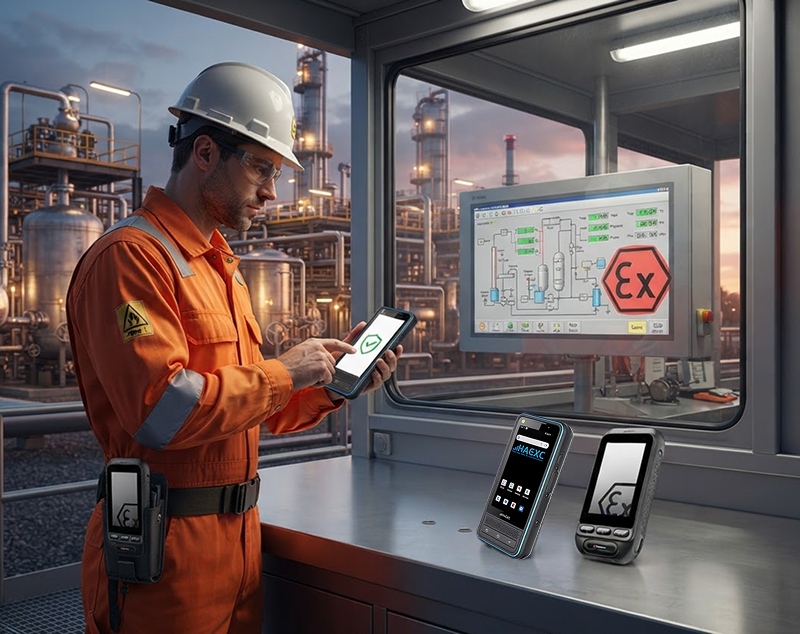
Smartphones have become an important part of workplace communication....
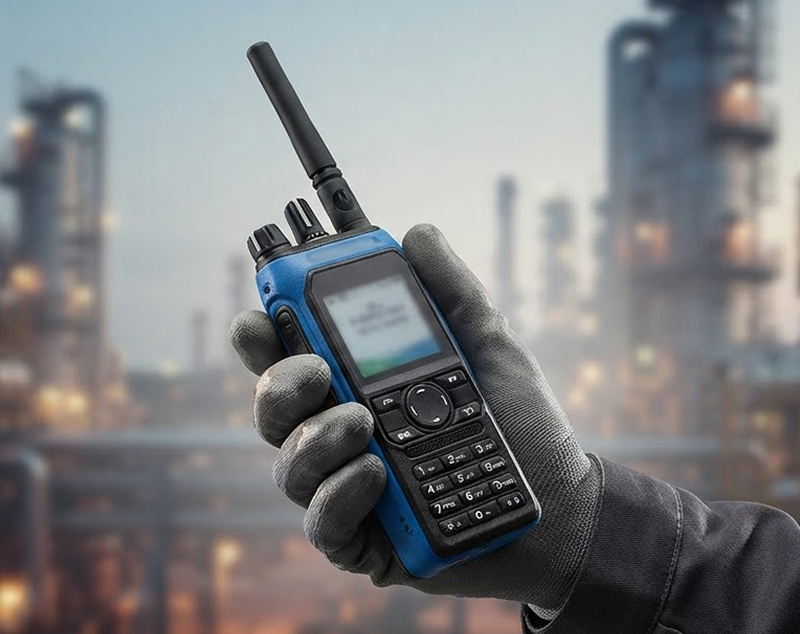
Choosing a two-way radio for a hazardous work site is different from...

Maintaining a safe and productive workplace is a priority for every...
In industries where a single spark can be catastrophic, the tools...
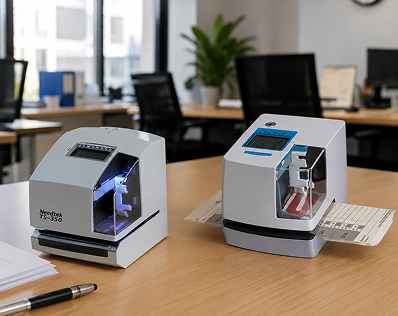
In today’s fast-paced business environment, keeping accurate...
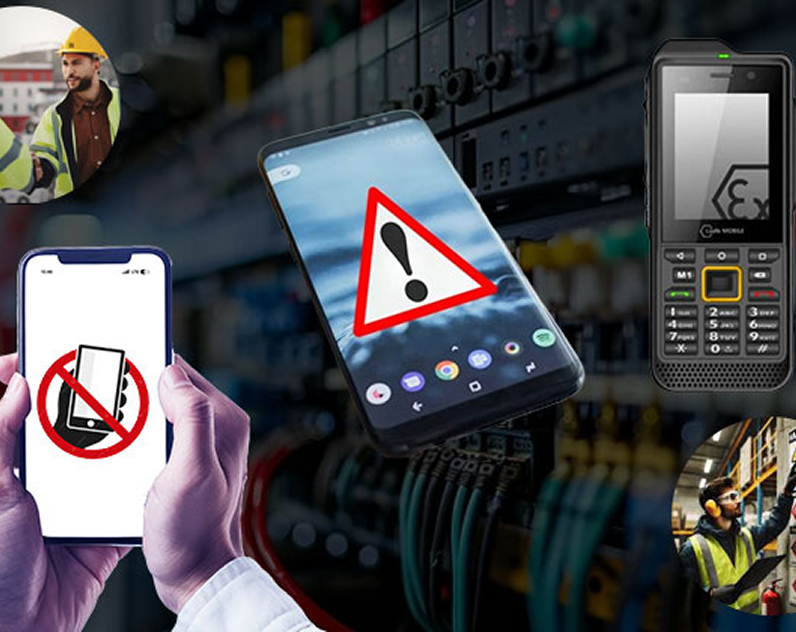
In industries where safety is critical, communication devices must...
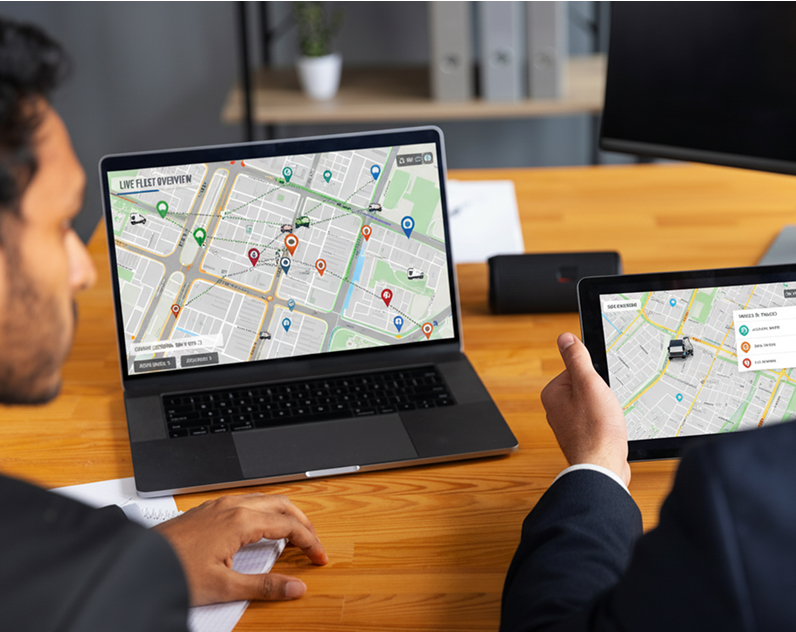
Managing a fleet without real-time visibility is like driving...

Door security is no longer limited to traditional keys and metal...
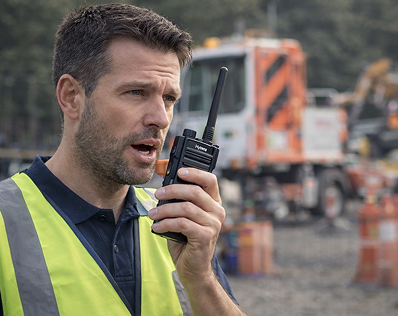
In an era dominated by smartphones and high-speed mobile data, it is...
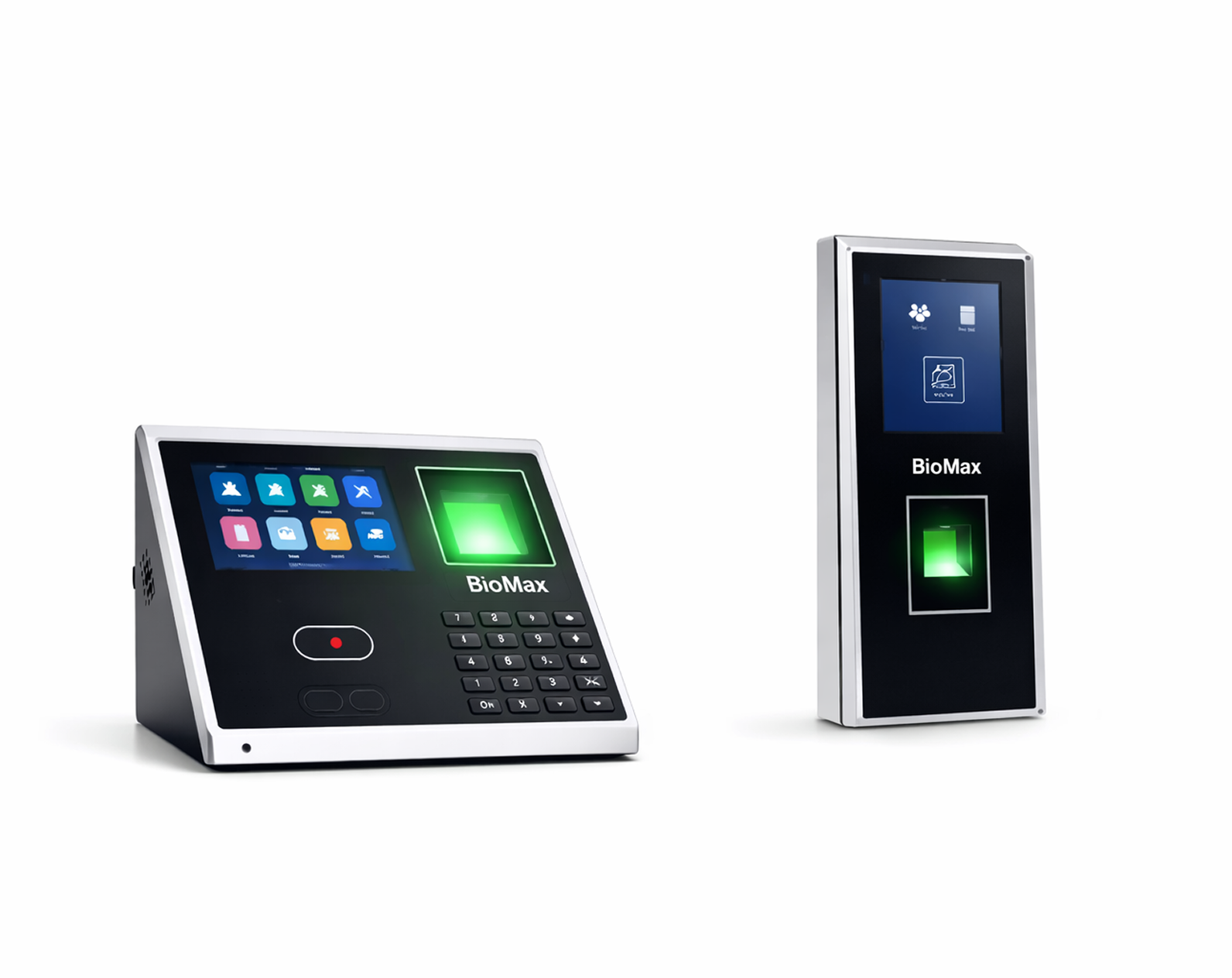
Managing employee attendance accurately is one of the biggest...
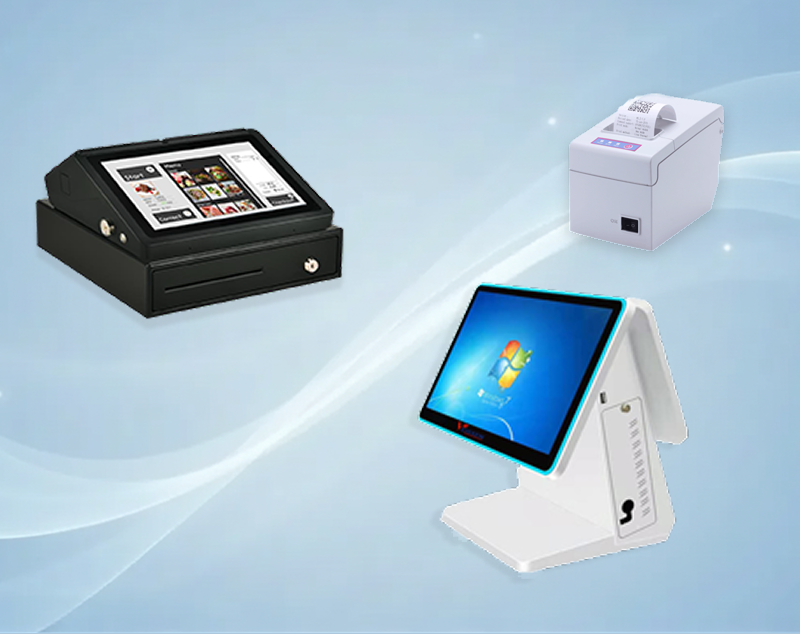
A POS (Point of Sale) machine is more than a simple billing device....
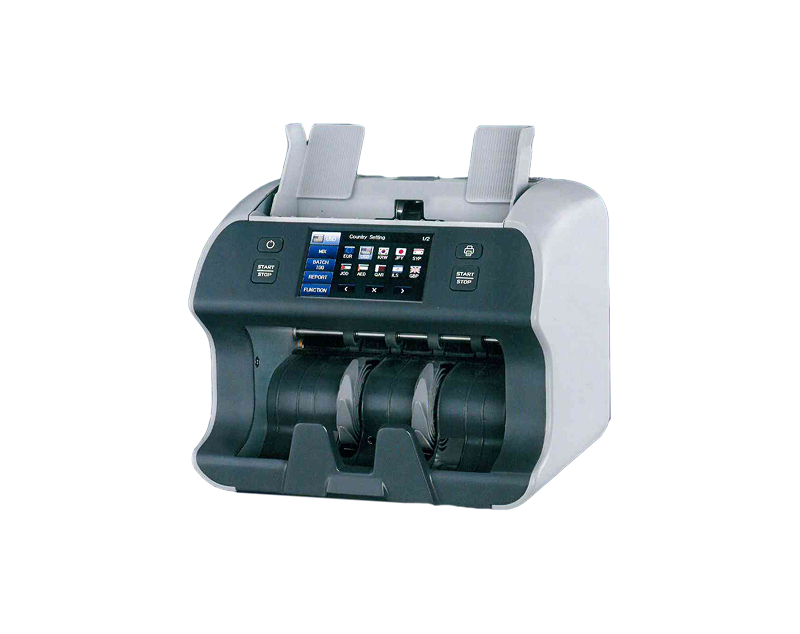
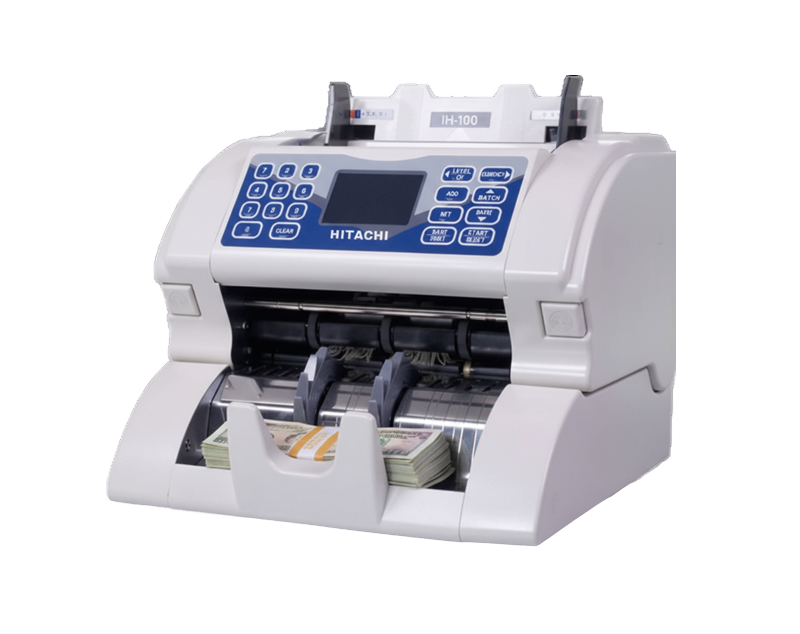
The Hitachi IH100 is an advanced, intelligent single-pocket currency...
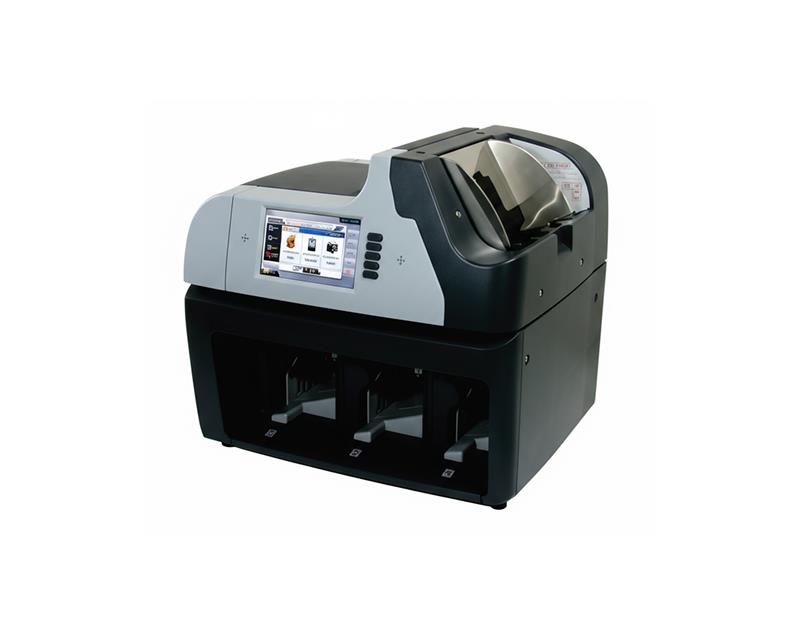
Hitachi ST-300 is a smart, practical multi-currency fitness sorter...
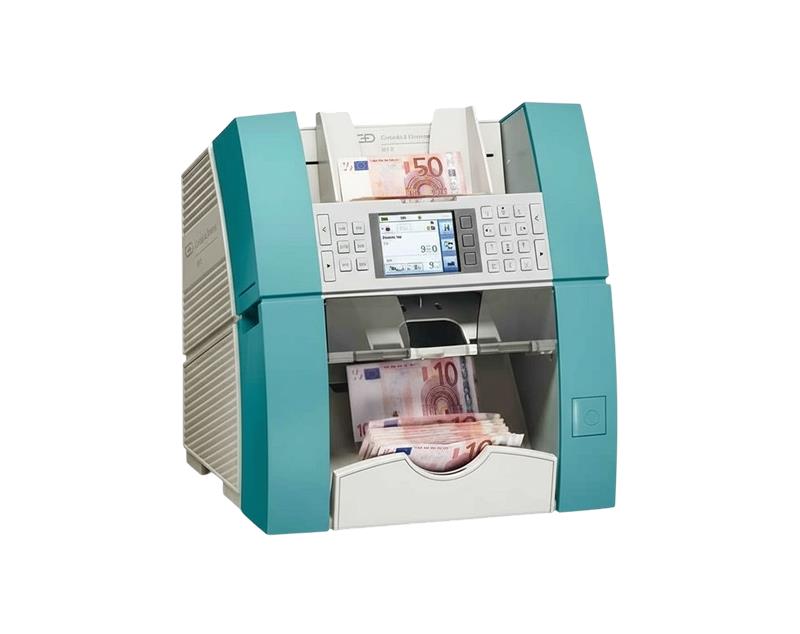
Flexible, powerful, and robust: the BPS C1 offers everything a bank...
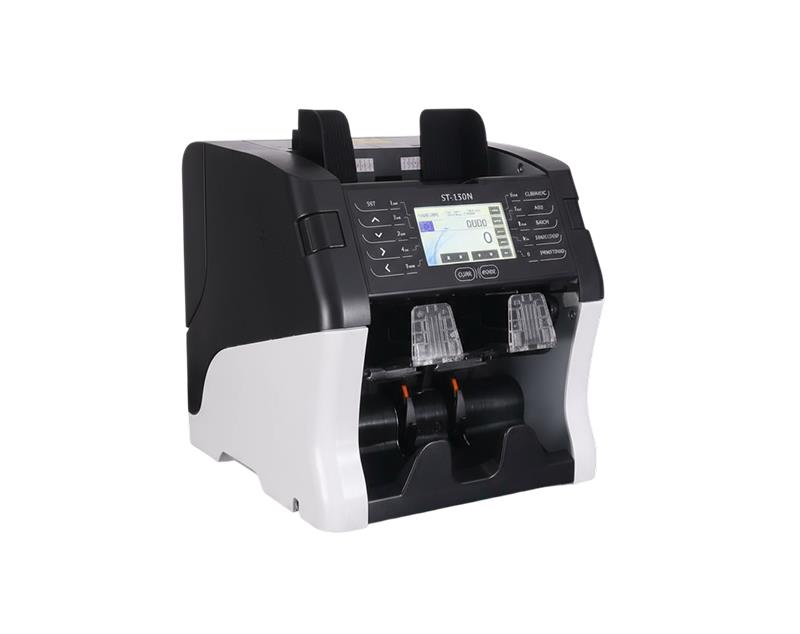
Currency Fitness Sorter, Authenticator with 2-pocket New Paradigm of...
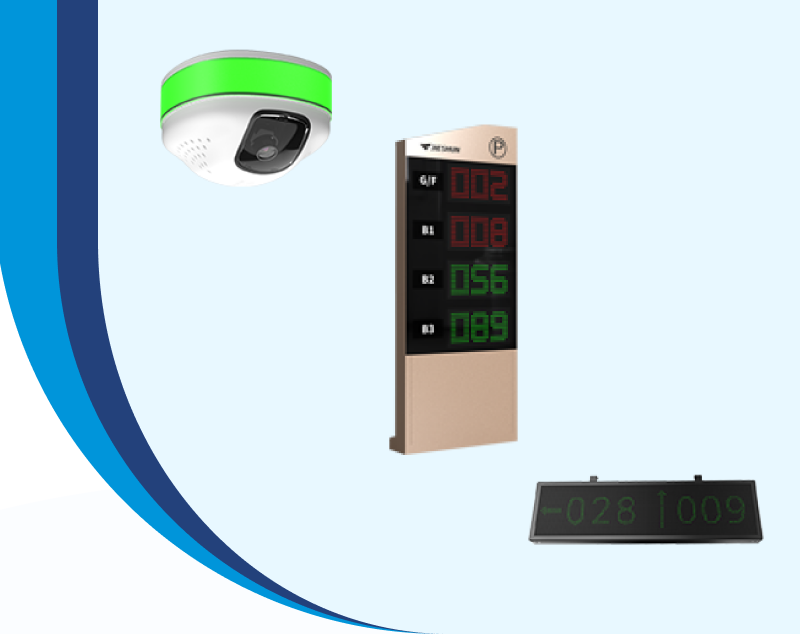
In today’s fast-moving world, customers expect convenience, speed,...
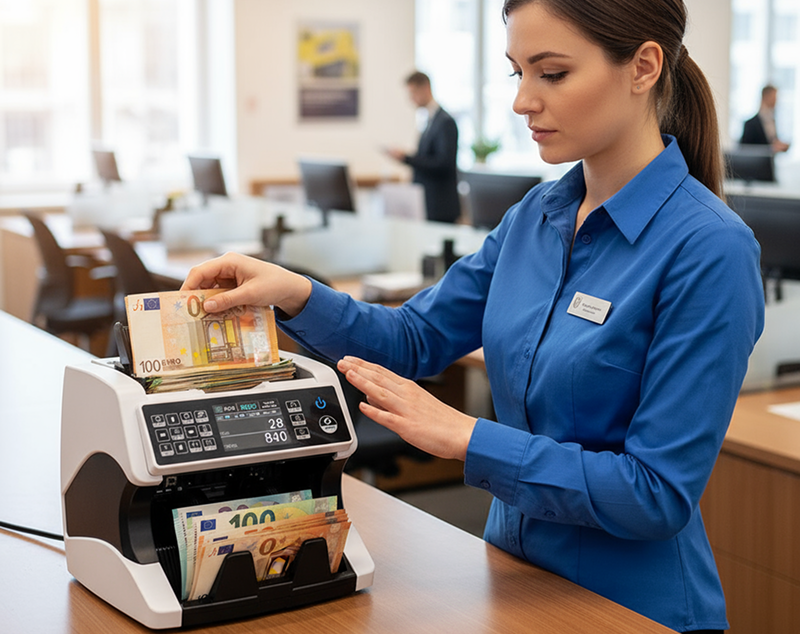
In today’s fast-paced business world, handling cash accurately and...
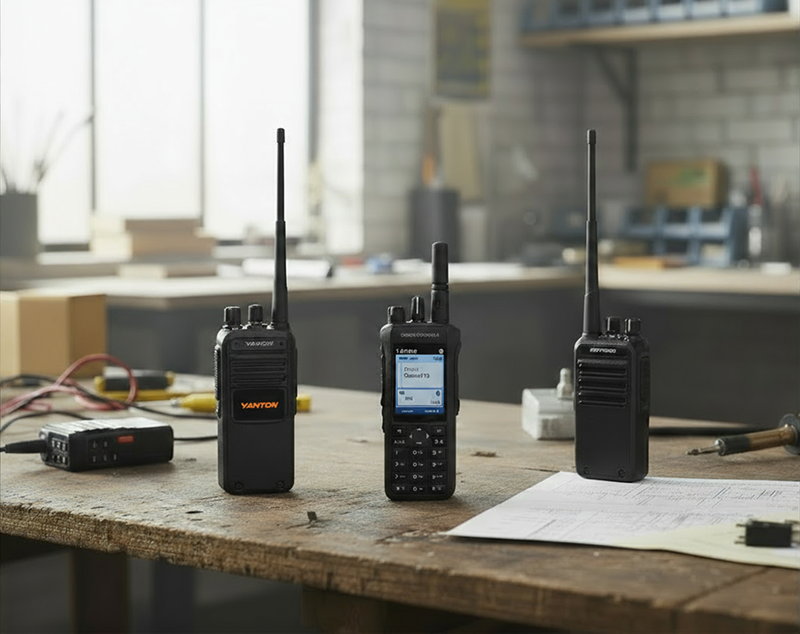
Clear and reliable communication is the backbone of any successful...
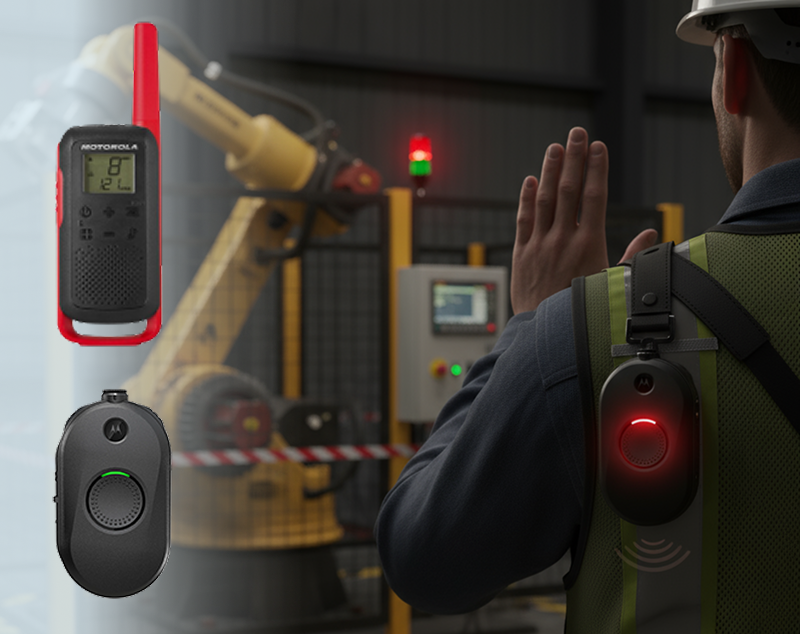
In high-risk industries such as construction, oil & gas, mining,...
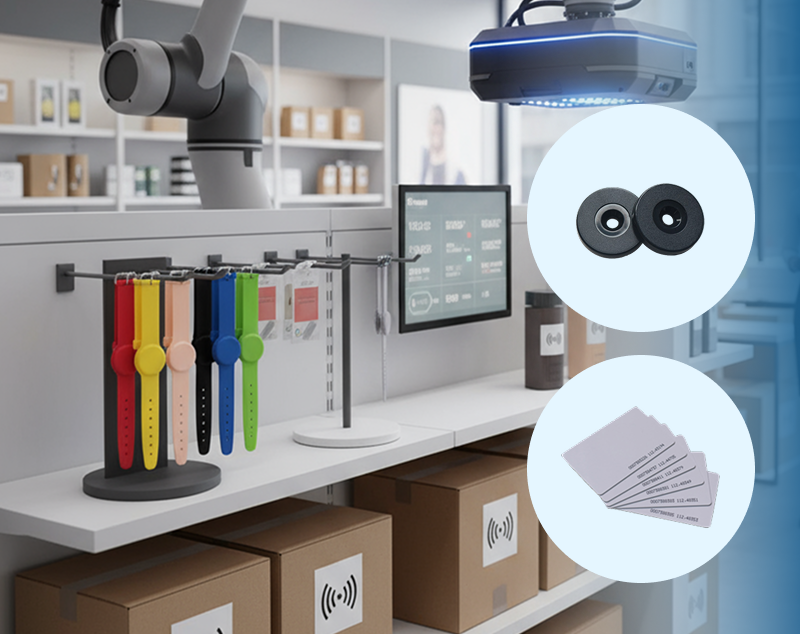
In today’s competitive business world, efficiency, security, and...
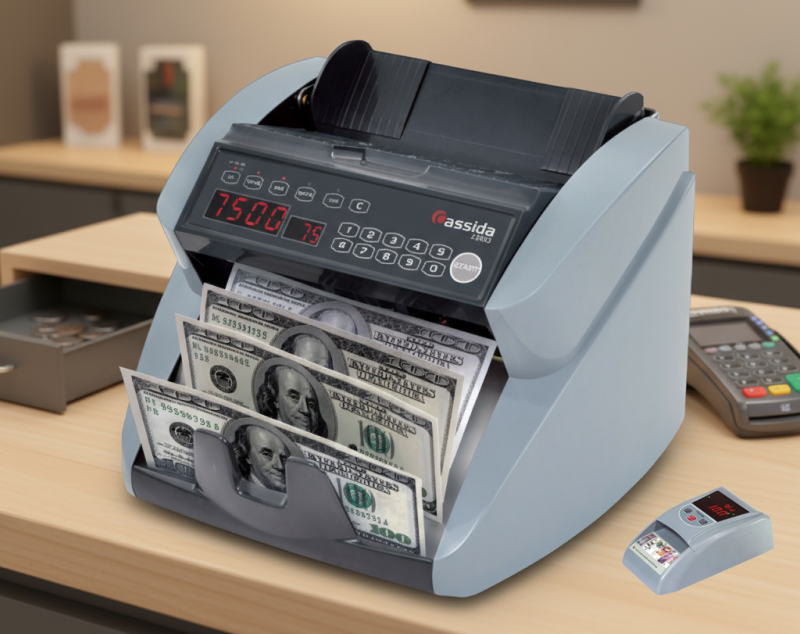
In a fast-paced commercial environment like the UAE, where high-value...
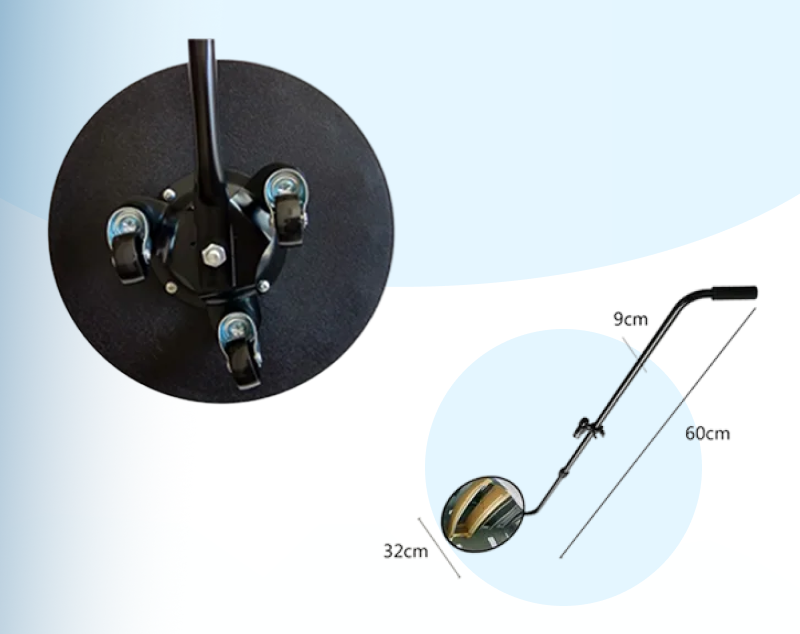
In an era where security threats are becoming more complex and...
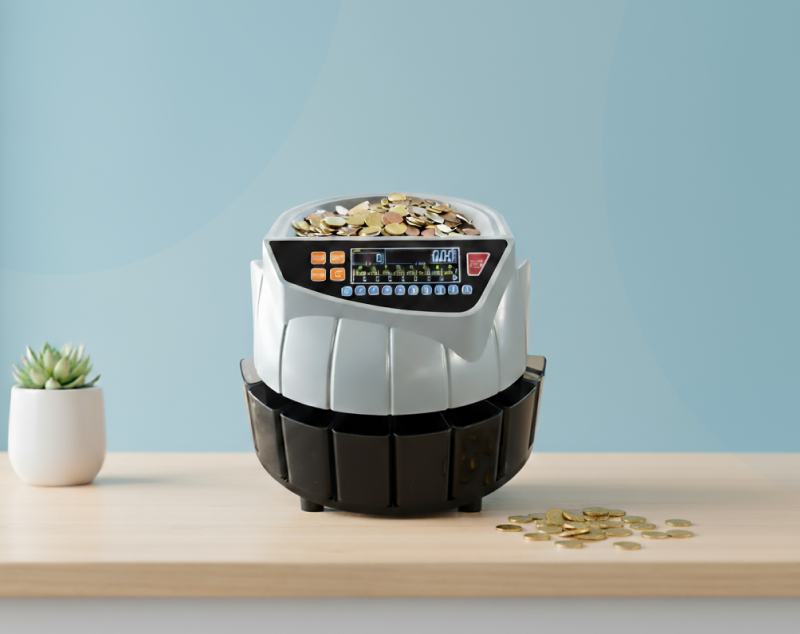
Handling coins manually can be a tedious and time-consuming task —...
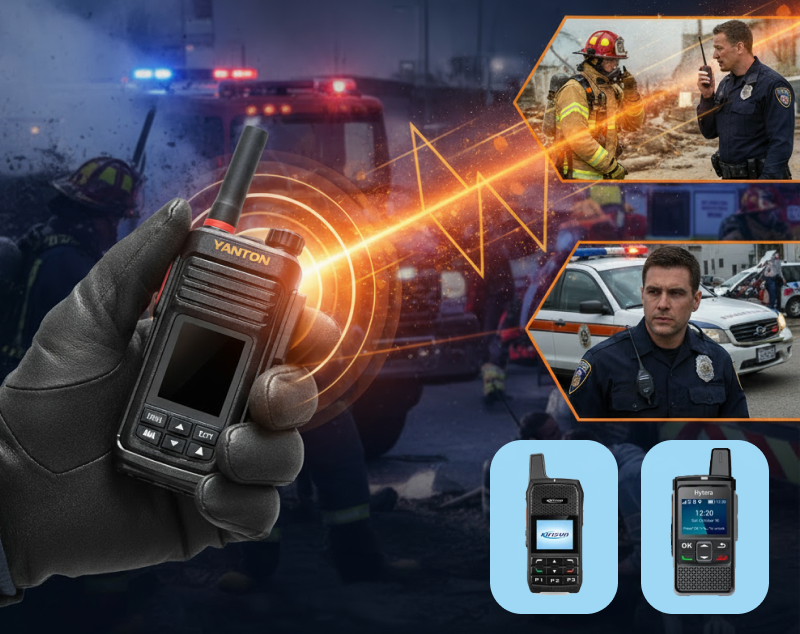
In emergency situations, clear and instant communication is critical....
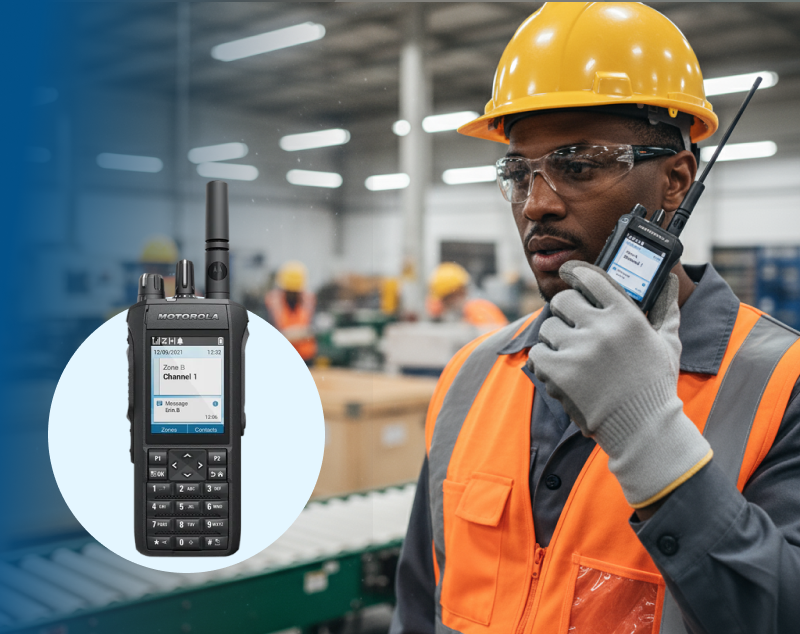
In today’s fast-paced work environments, effective communication is...
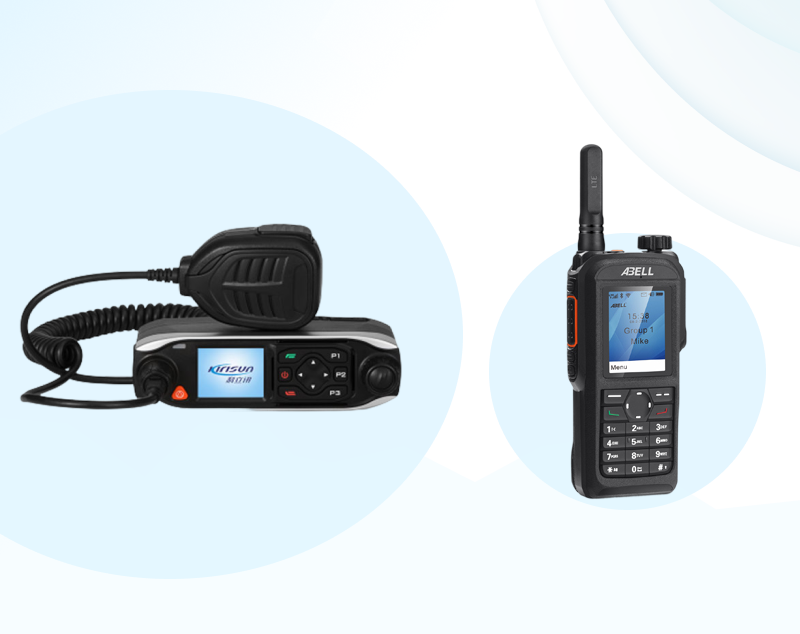
In today’s fast-paced digital world, businesses rely on...
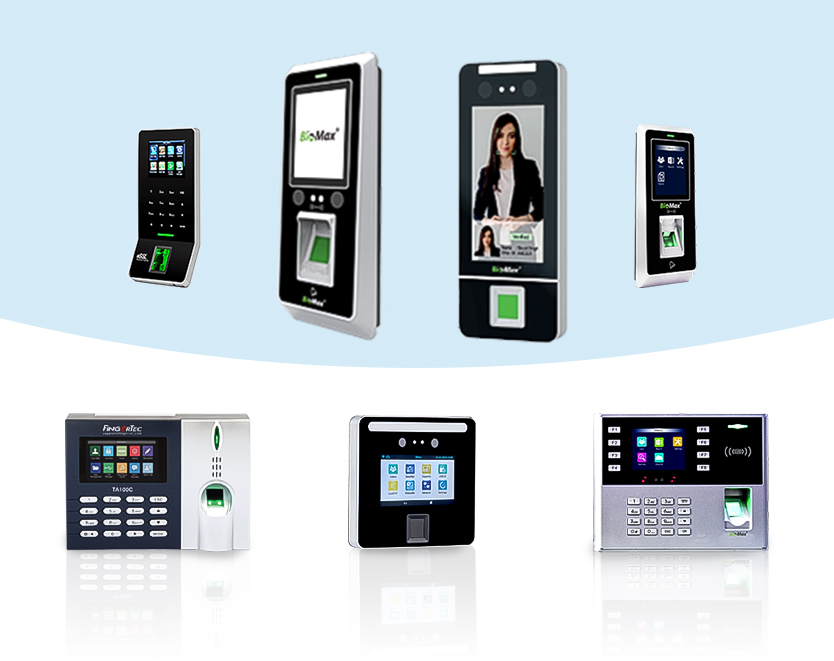
Managing employee attendance and time tracking is essential for every...

The introduction of banknote counters marked a pivotal moment in the...

In today’s world, where security concerns are growing rapidly,...
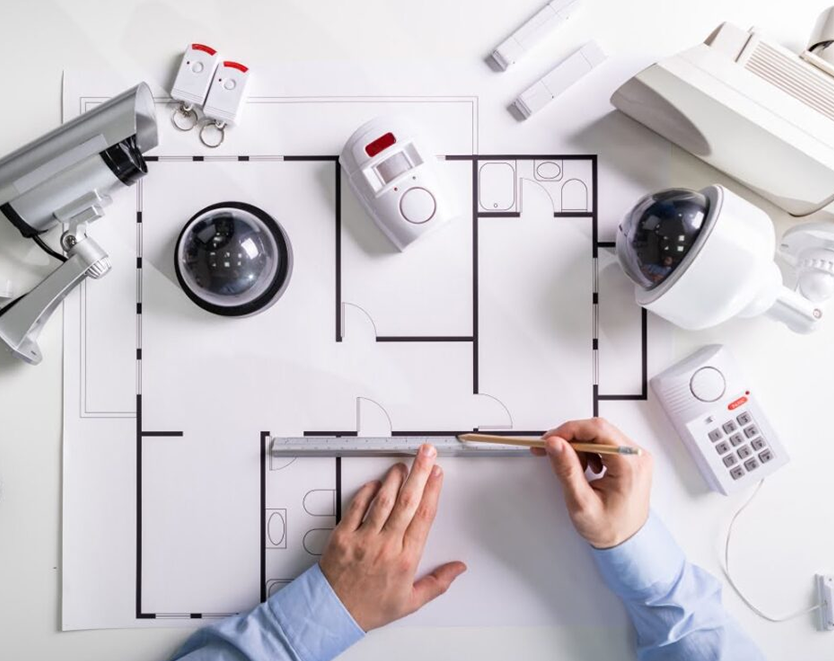
In today’s rapidly evolving business landscape, the safety and...

In today’s fast-paced world, staying connected is crucial,...

In today’s fast-paced business world, effective communication...
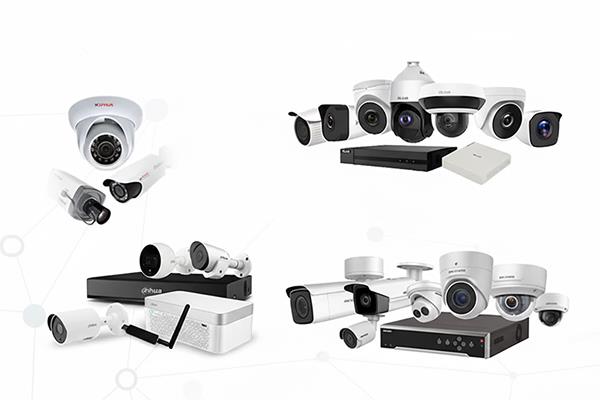
A sense of safety is one of the most basic human needs that goes for...
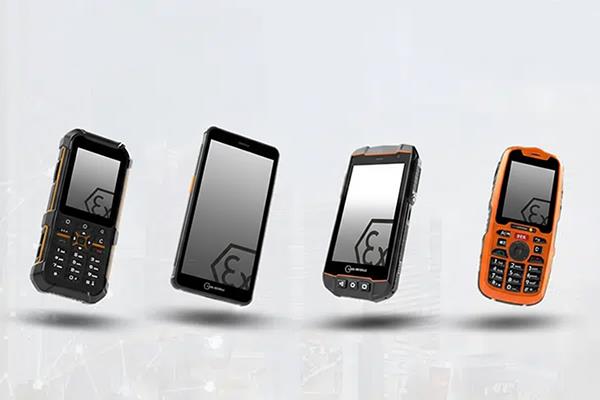
The construction industry is no stranger to occupational hazards,...
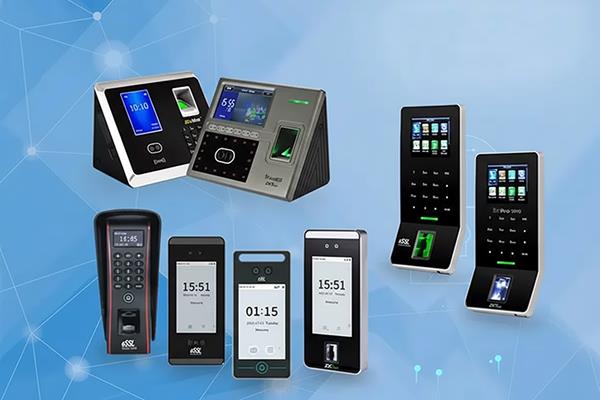
The keys have passed on the baton to computer-based access control...
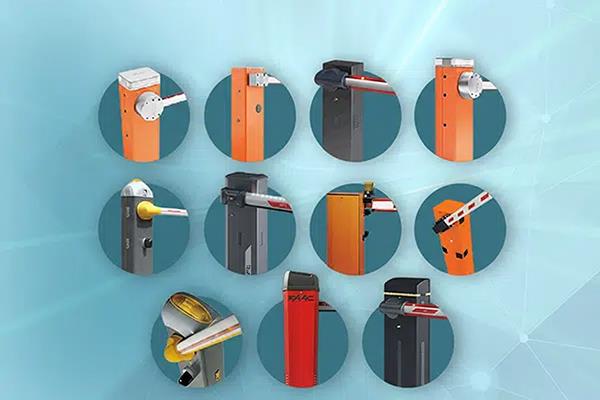
Manage and regulate vehicles and pedestrians, keep your facilities...
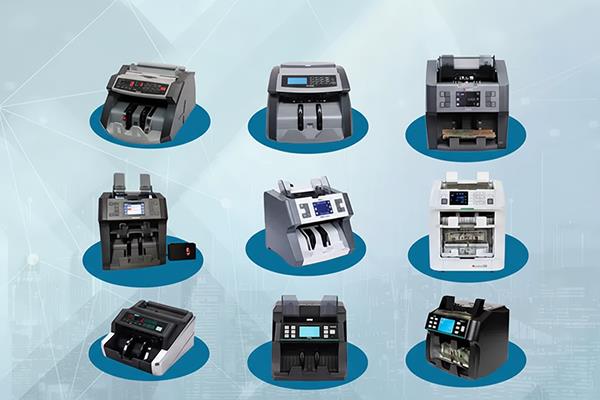
The banknote counter device is designed to count and sum up bank...
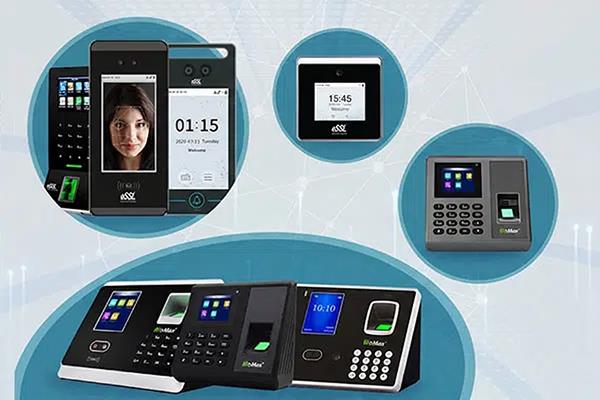
The time and access control system are very much required technology...
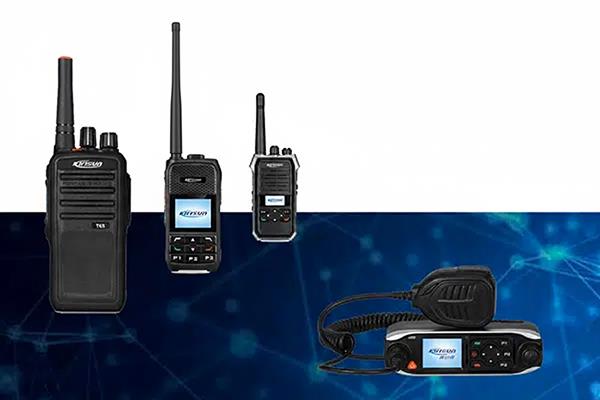
The Push-to-Talk over Cellular (POC) provides instant nationwide...
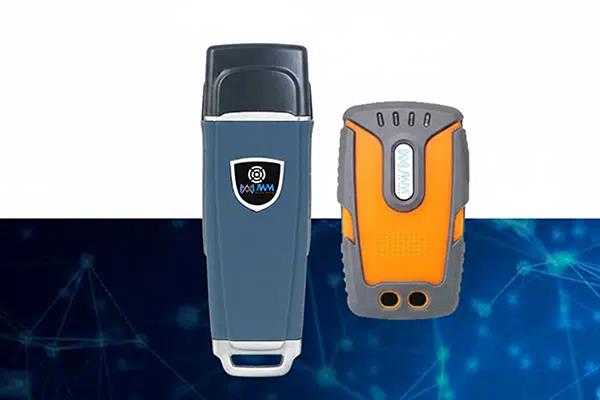
A Guard Tour System is a combination of computer software and...
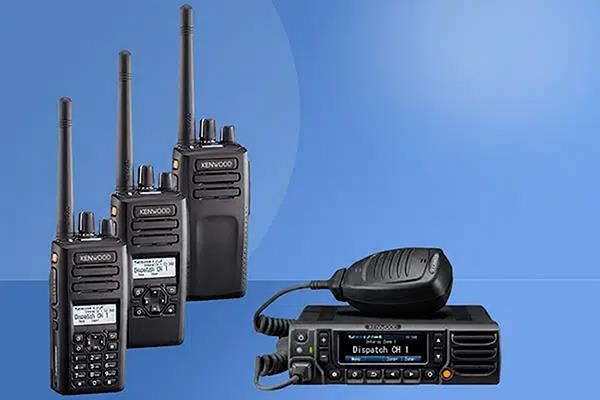
Two-Way Radios are an inconceivably mainstream piece of tech with...

Solutions

Technology

Clients